DESIGN
Vol.19

M.N.
テクスチャの作り方
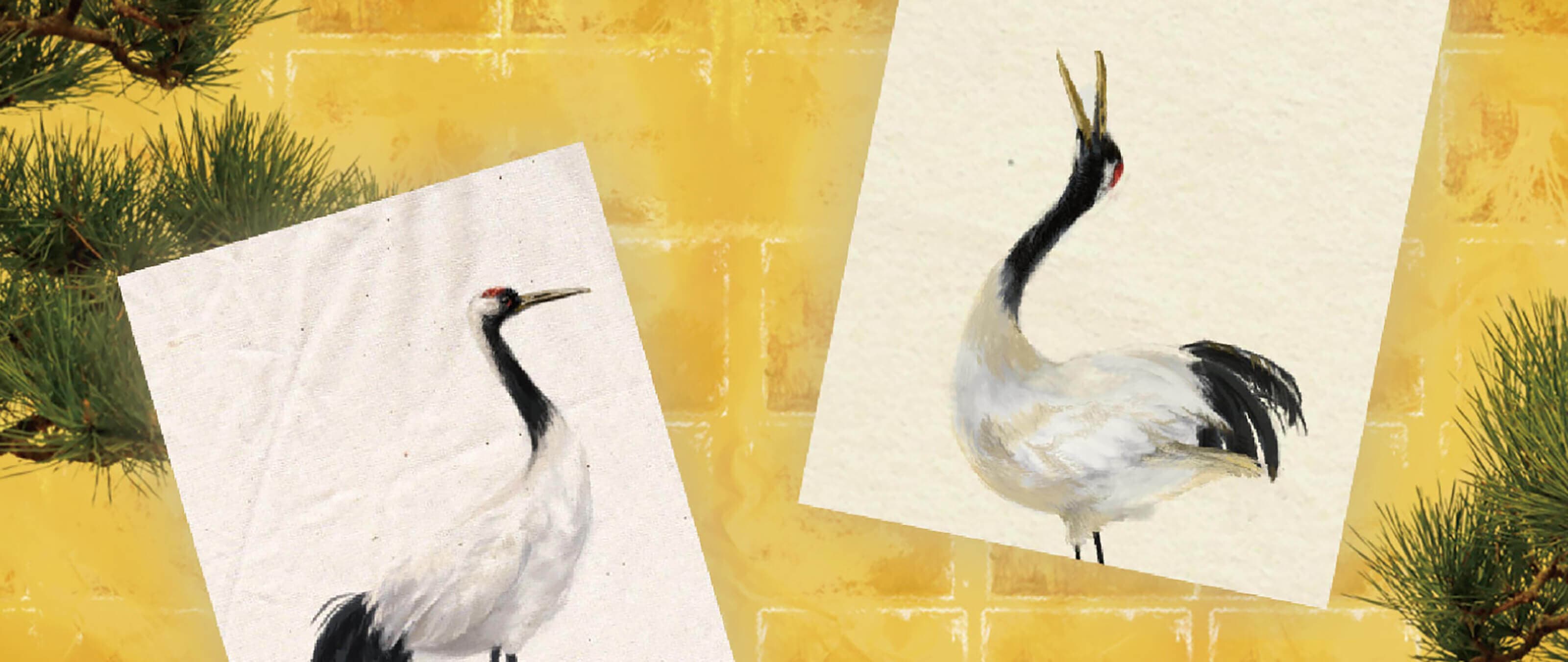
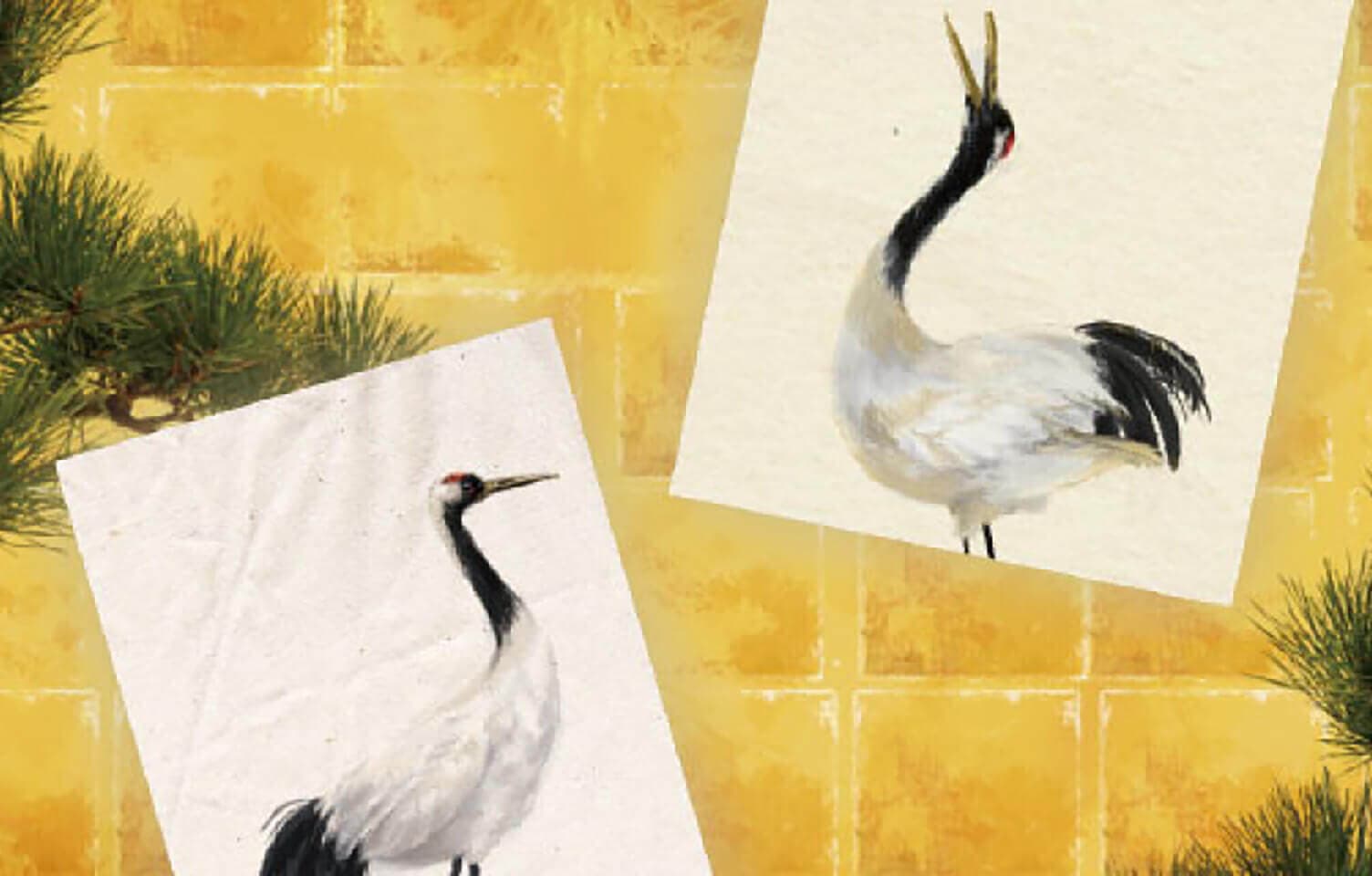
自分でカスタマイズしてみよう
今までPhotoshopでの手書き風イラストでは、アプリケーション自体の機能を多く使用してきました。
しかし、より質感を出すために本物の紙や絵の具の塗りムラを使う場合もあります。
素材はネットでも多く配布されていますが、大きいサイズのイラストに対応できる解像度や使いやすさを考えて自分でいくつか作っておくと便利です。
1. 素材を集める
たくさんの種類の紙を集めよう
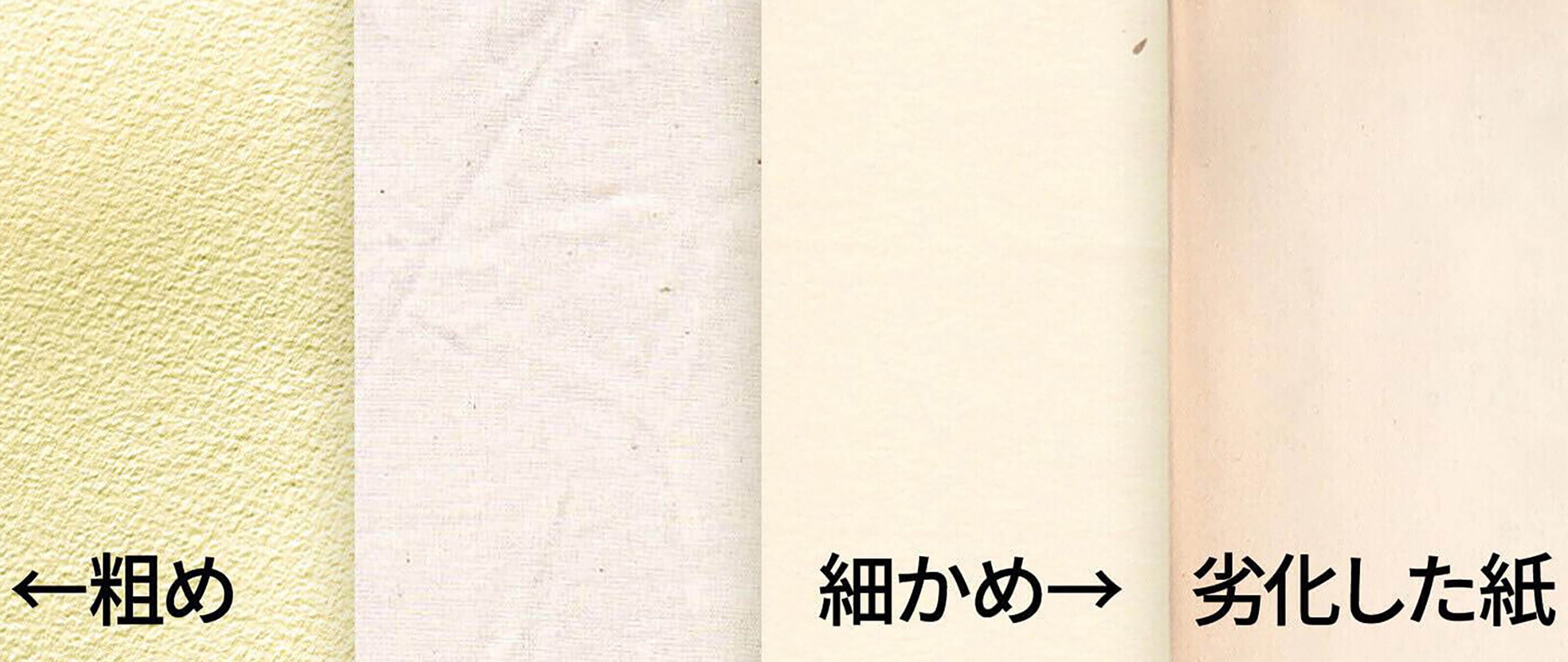
絵の下地になる紙を集めましょう。
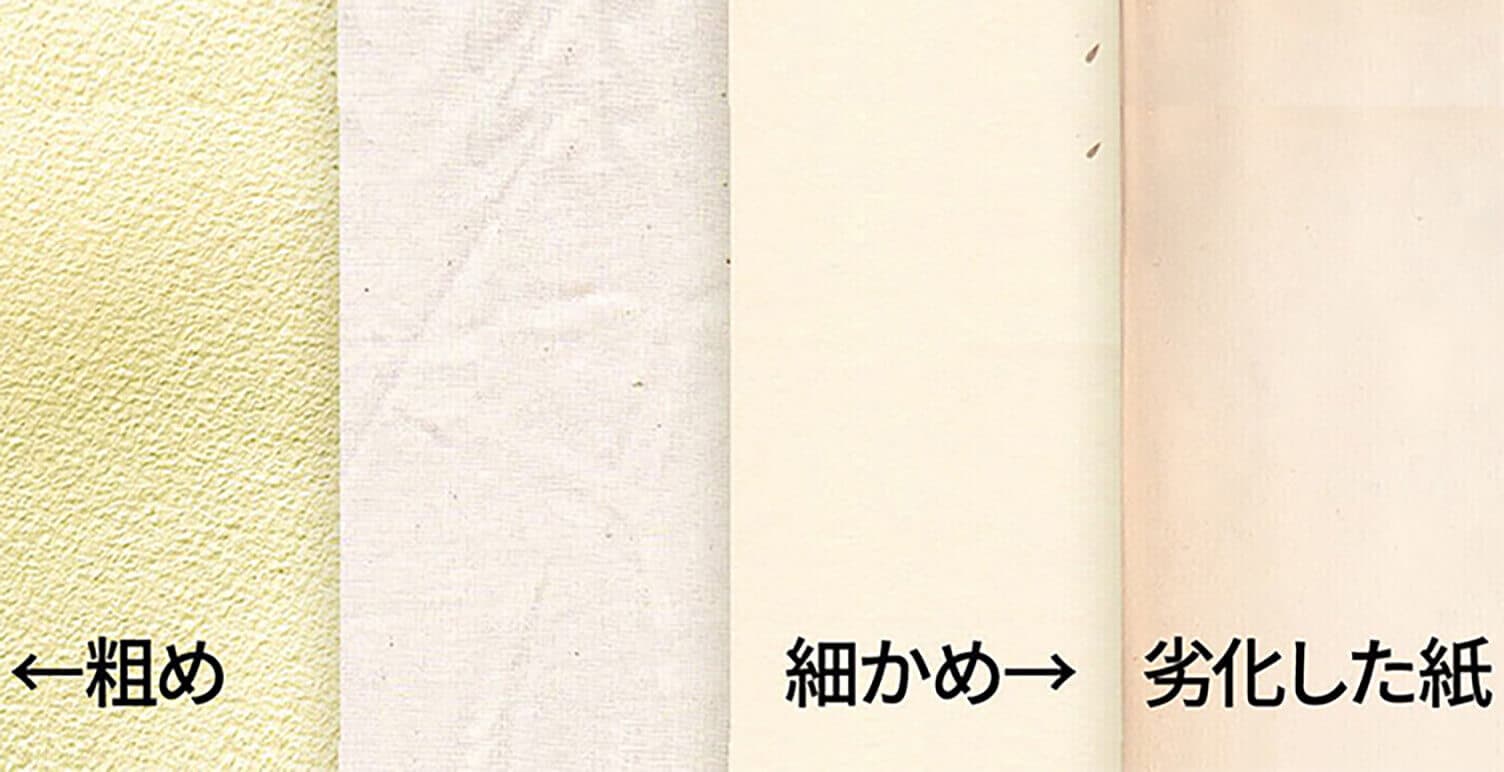
ざらざらした紙、適度に質感がある紙の2パターンを集めておくと便利です。
凹凸のあるざらざらした質感がPCでは扱いやすいです。
(例:ざらざらした紙→画用紙、マーメイド紙・適度な紙→藁半紙、習字紙)
色は白い紙を選ぶと、どのイラストにも合わせやすいです。
時折薄い黄色系やグレー、劣化で茶色みを帯びた紙を使うと変わった空気感が出ておすすめです。
2. PCに取り込みます。
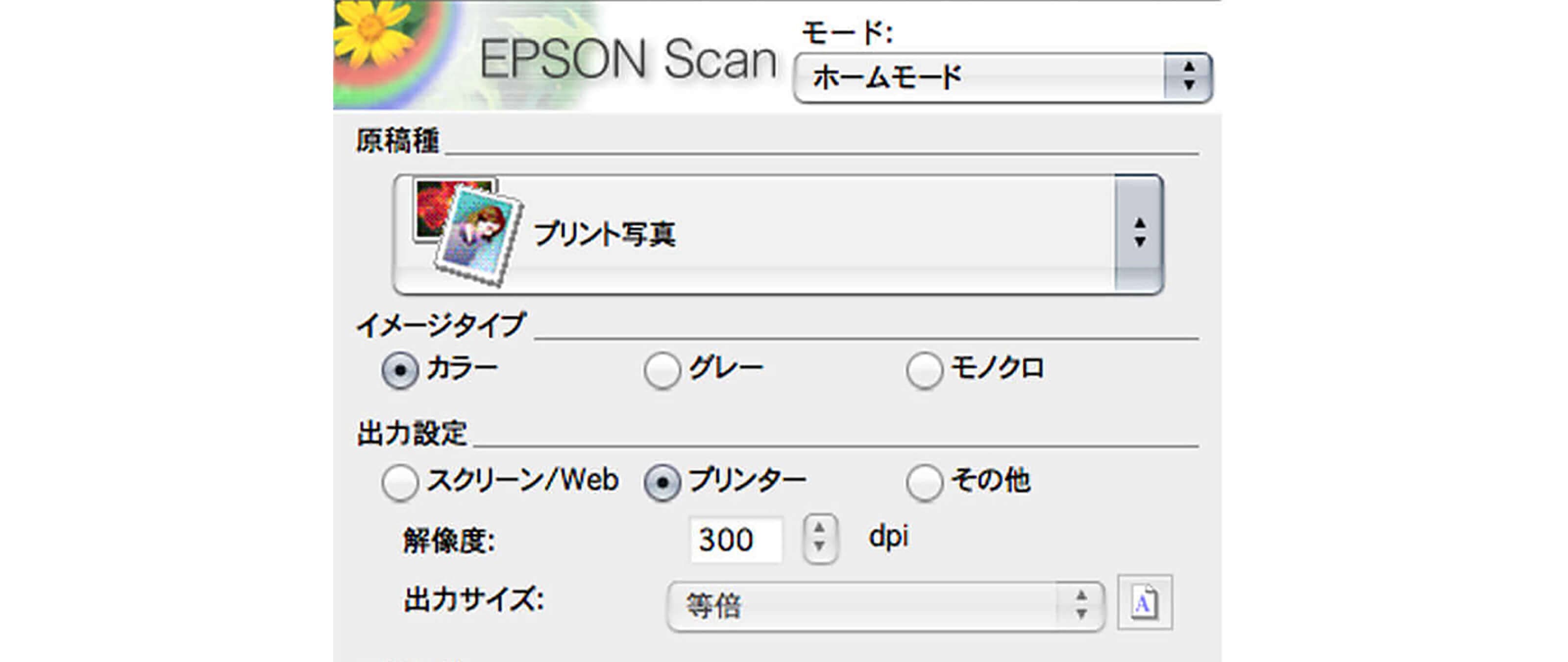
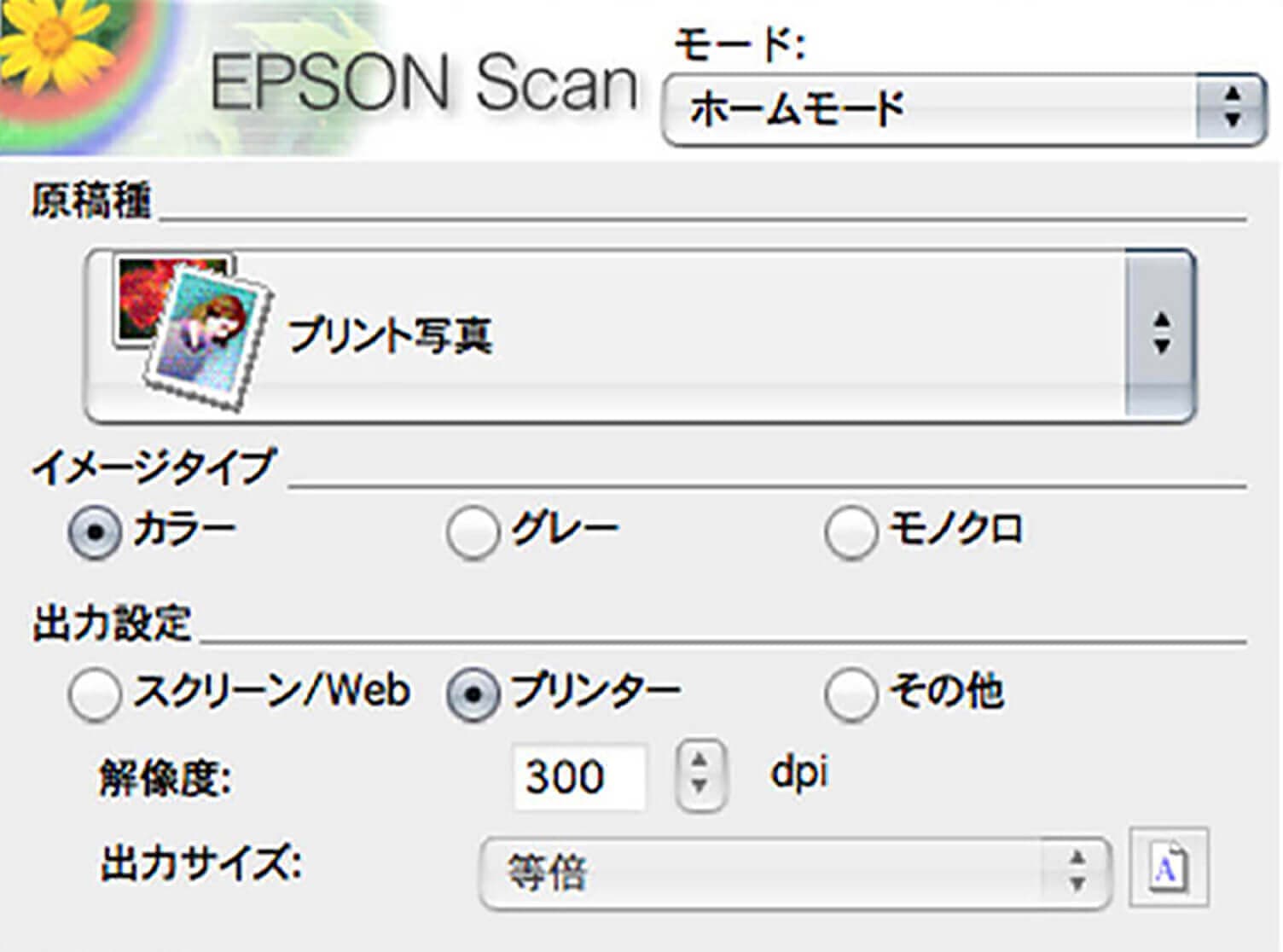
高めの解像度でスキャンします
解像度は大きめでスキャンをしています。
Webだけでなく印刷用にも使えるようにするためです。
モードはプリント写真モードを使用します。
プレビューを見ながら出来るだけ自然に見えるモードを選びます。
私は補正はあまりしないようにしています。
紙の汚れやテカリなども質感として使える場合があるため、イラストごとで変更するようにします。
3. 使い方
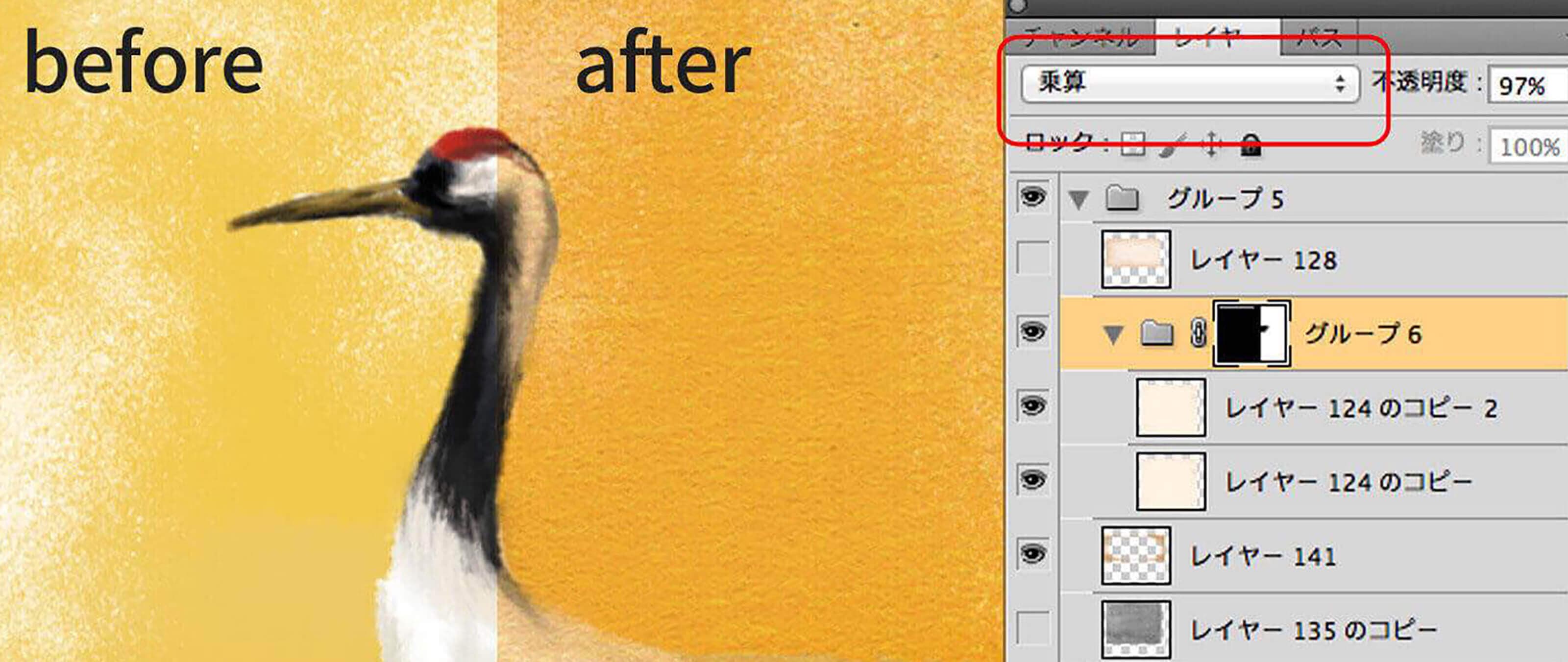
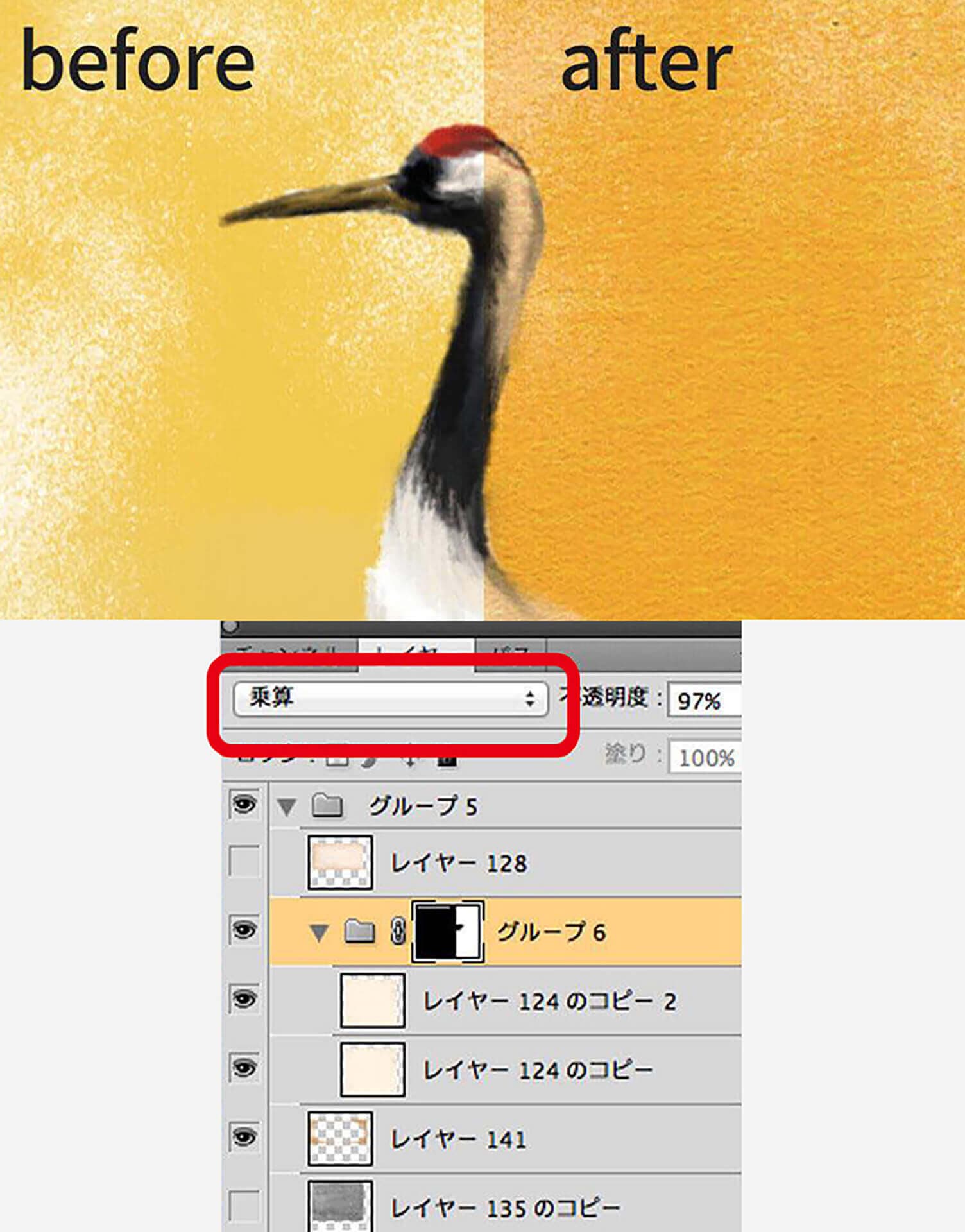
色やレイヤーモードを調整して馴染ませます
テクスチャをレイヤーの一番上に配置します。
vol.9レイヤーモードの使い方を参考に モードや不透明度を調整します。
色味に大きく変化がない素材は早い段階で画像に反映させておくと完成形を掴みやすいです。
変化が出やすい素材の場合は後で反映するか、スポイトツールで色を選ぶ際に非表示しながら進めます。
使いたかった色にテクスチャが影響してしまうので注意が必要です。
4. あると便利な素材
画材の質感を出すことができます
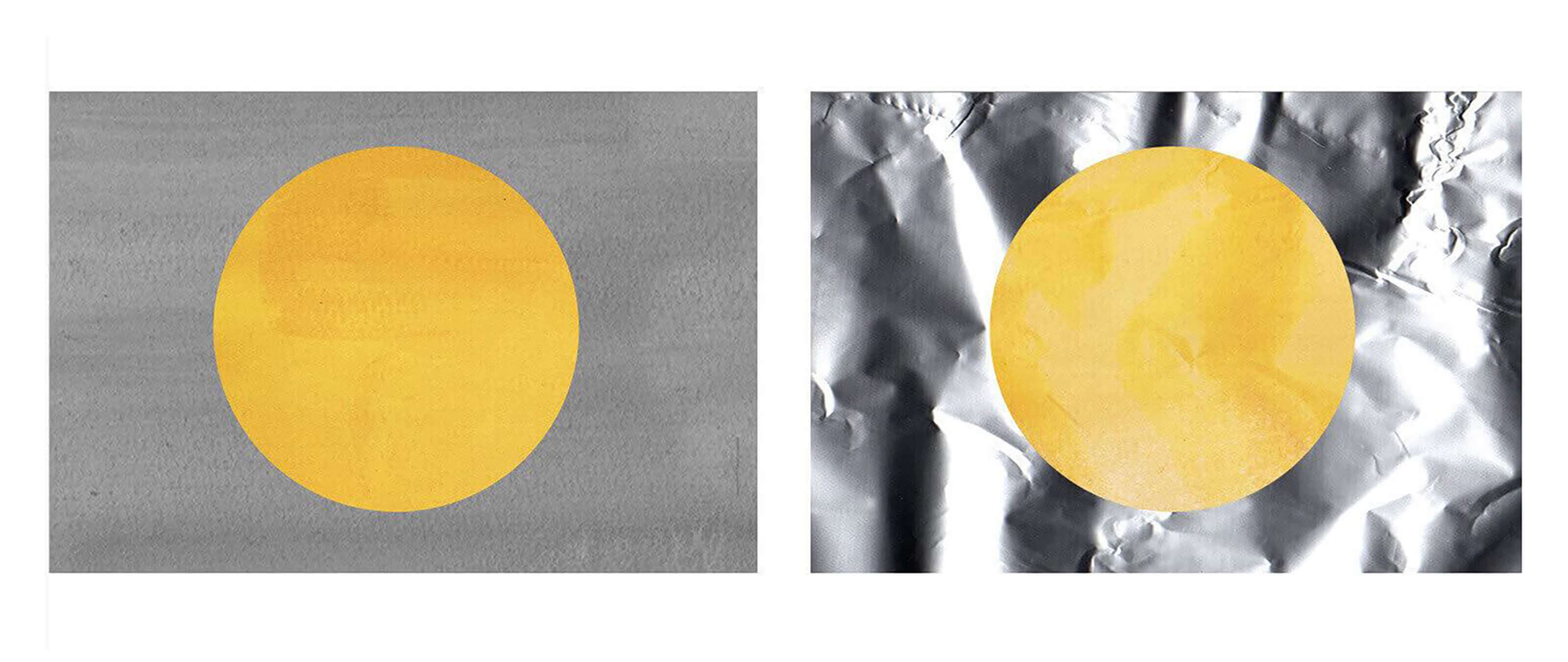
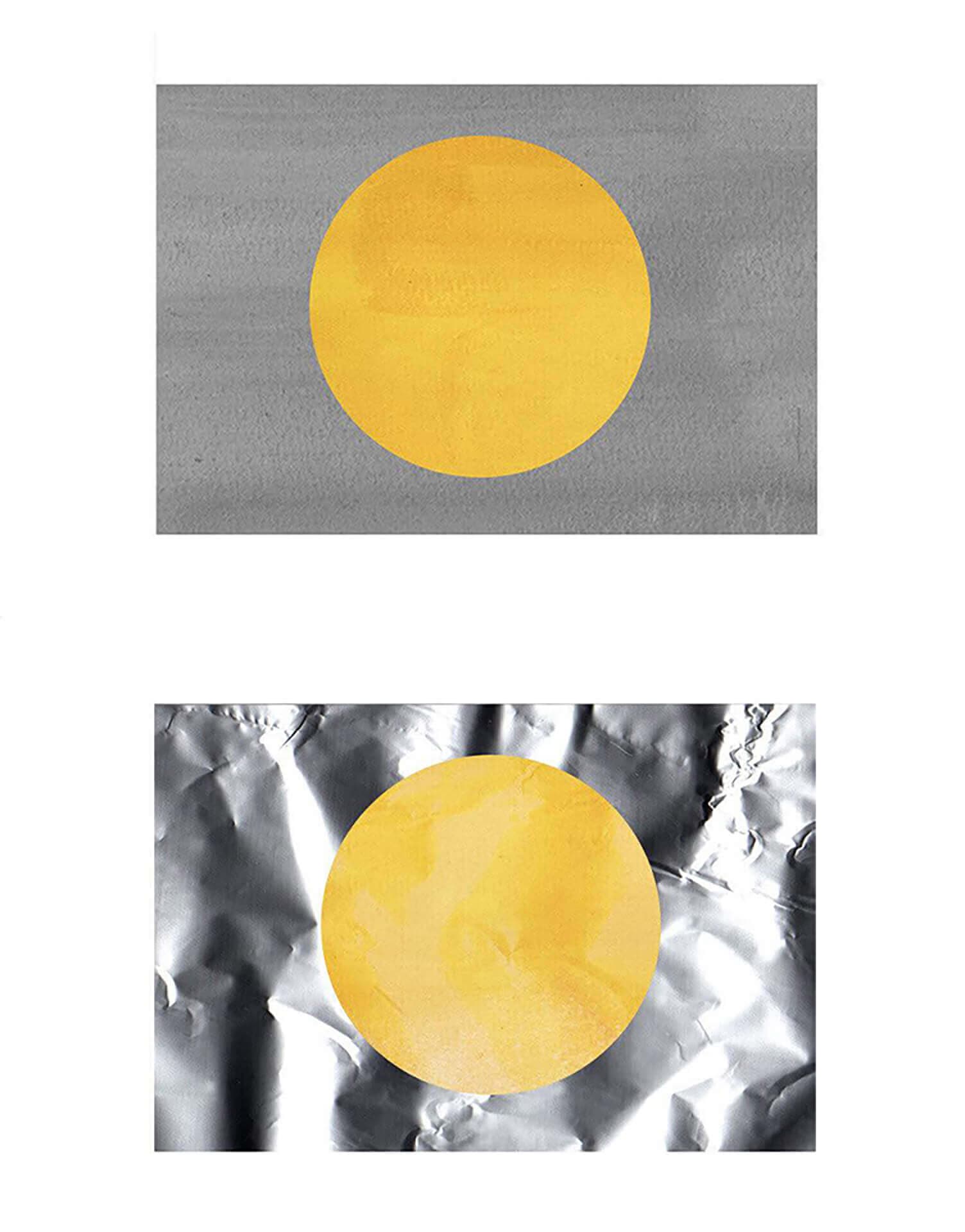
画材の質感を出す為に絵の具で塗りつぶした紙があると便利です。
グレーや茶系の絵の具をたっぷりの水で溶き、あえてムラが出るように塗ったテクスチャは手軽に水彩らしい濃淡が表現できます。
更に複雑な光の動きを出したい時は、アルミホイルに軽く皺をつけてスキャンするとおすすめです。
さいごに
素材はあればあるだけ面白い質感を出すことが分かったかと思います。
土や木の板、襖の表面などスキャナーを使わず写真で取っておくのもおすすめです。
テクスチャに使えるものがないか、色々探してみることで、イラストを描くのがもっと楽しくなるでしょう。
RECENT POSTS

Vol.203
What Is Design Management
Vol.202
Why Hiring No Longer Works— Redesigning Organizations and Decisions for an Uncertain Age

Vol.201
How to Choose a Branding Agency: 5 Criteria to Avoid Failure

Vol.200
Design Management: A Practical Guide for SMEs and Startups to Drive Real Results

Vol.199
How to Rebuild Brand Competitiveness: A Practical Guide to Brand Management for SMEs

Vol.198
From parent–child bonds to community: The future of education that nurtures diversity and designs relationships